Acura TLX (2021 year). Manual in english - page 22
Continued
349
uu
Bluetooth
®
HandsFreeLink
®
u
Text Message
Features
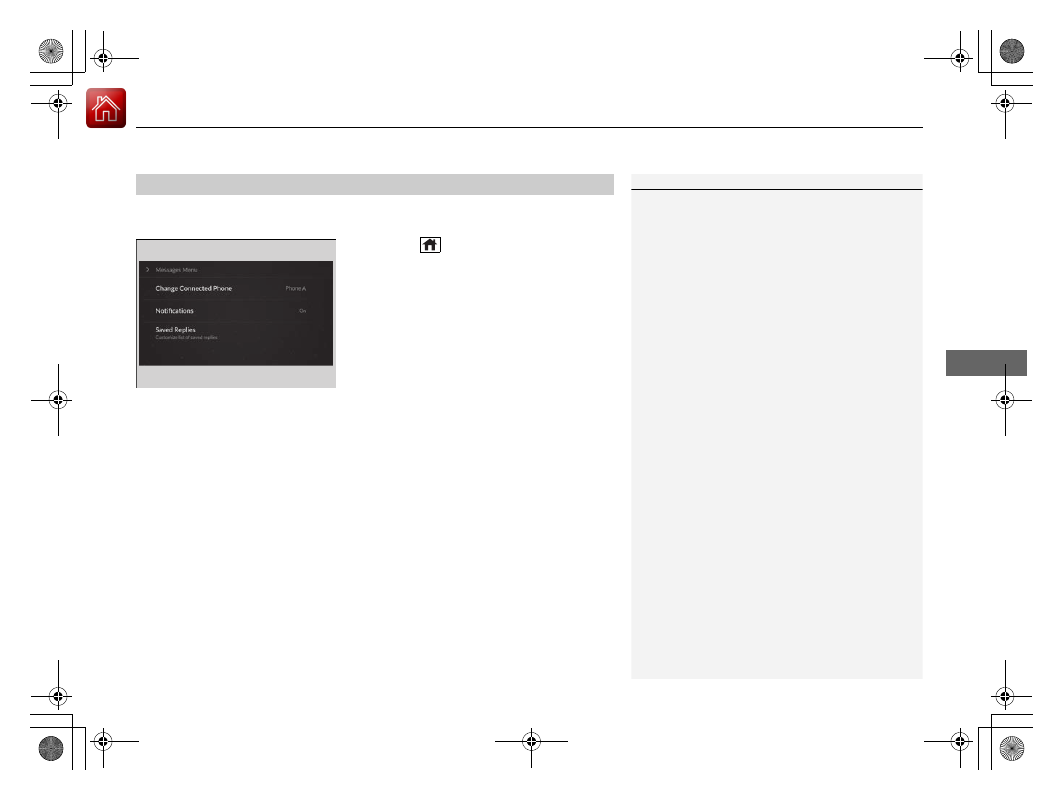
You can select one from the
Bluetooth
®
device list to be active and receive
notifications.
1.
Press the
(home) button.
2.
Select
Messages
.
3.
Select
MENU
.
4.
Select
Change Connected Phone
.
5.
Change a desired phone.
2
To change the currently paired phone
P. 335
■
Selecting a Phone
1
You can only receive notifications from one phone at
a time.
You can only connect one device to use both text
message function and
Bluetooth
®
hands-free phone
function.
If there is an active connection to Android Auto, this
setting is unavailable.