Acura MDX HYBRID (2020 year). Manual in english - page 22
352
uu
Rear Entertainment System (RES)
*
u
Rear Control Panel Operation
Features
■
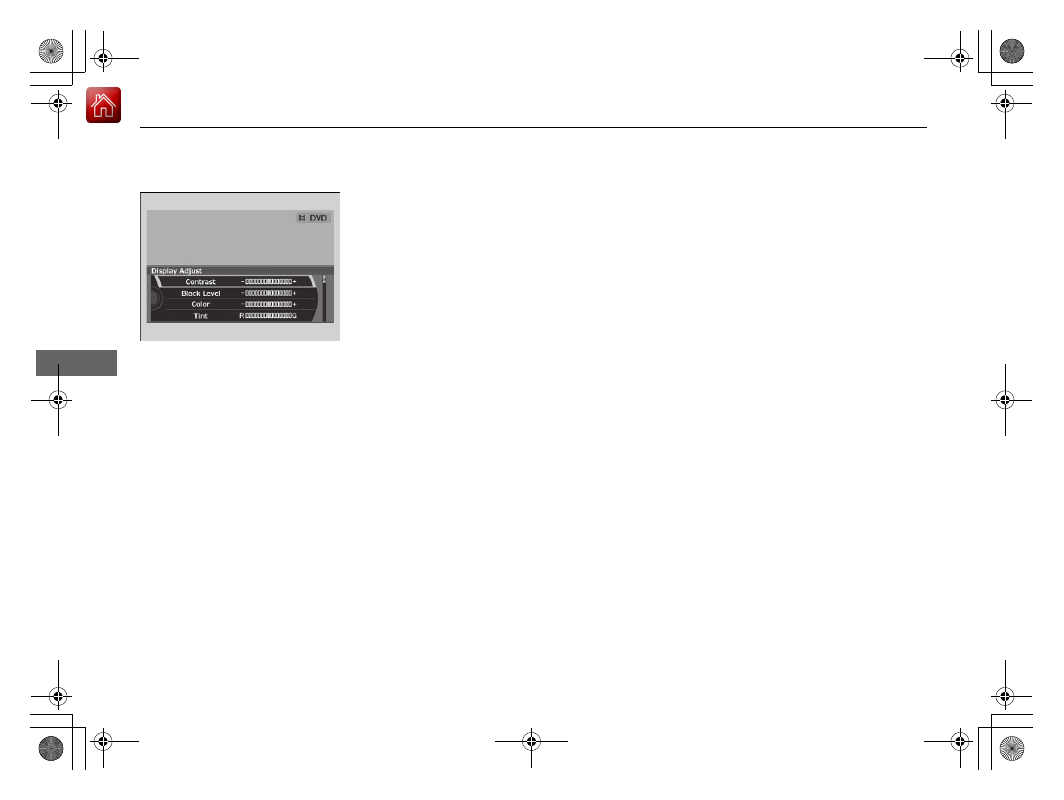
Adjusting the screen
1.
Press the
SETUP
button (in DVD mode).
2.
Select
Display Adjust
. Press the
ENTER
button.
3.
Select an item. Press the
ENTER
button.
4.
Make the adjustment. Press the
ENTER
button.
The following items are available:
•
Contrast
: Adjusts the screen’s contrast.
•
Black Level
: Adjusts the screen’s black level.
•
Color
: Adjusts the screen’s color strength.
•
Tint
: Adjusts the screen’s hue.
•
Reset
: Resets all the settings to their factory default.