Acura MDX HYBRID (2020 year). Manual in english - page 19
uu
Audio System Basic Operation
u
Playing
Bluetooth
®
Audio
304
Features
1.
Make sure that your phone is paired and
connected to HFL.
2.
Select the
Bluetooth
®
Audio mode.
If the phone is not recognized, another HFL-
compatible phone, which is not compatible
for
Bluetooth
®
Audio, may already be
connected.
■
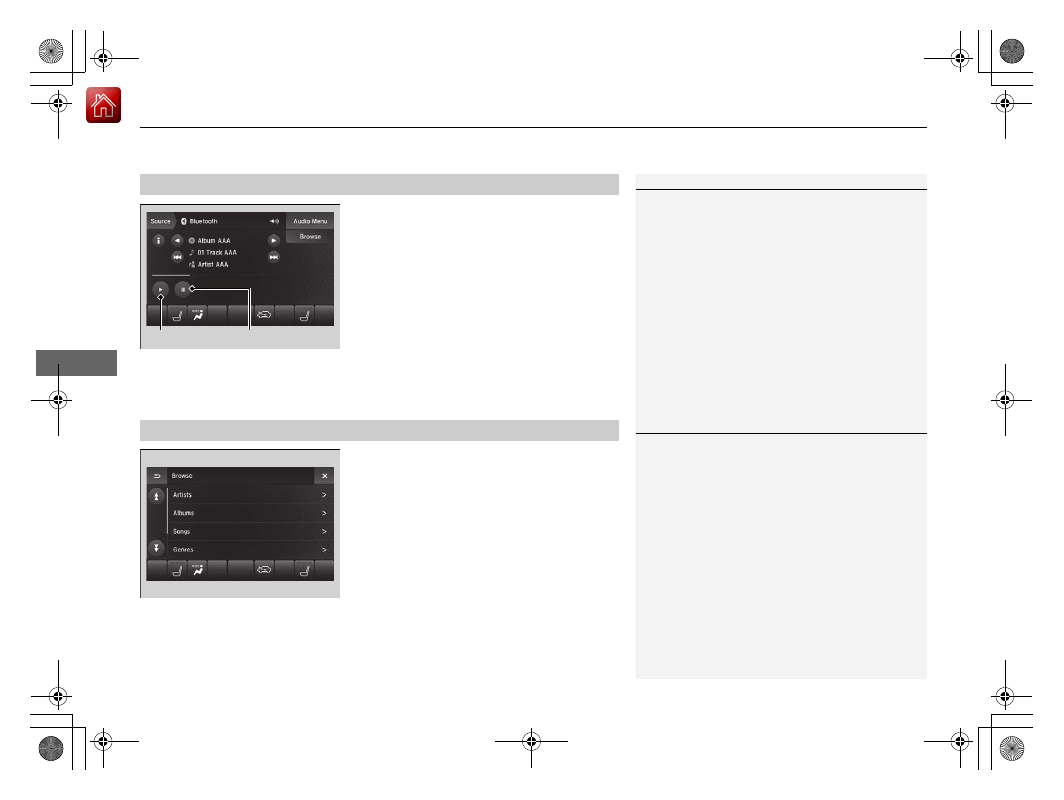
To pause or resume a file
Select the play icon or pause icon.
1.
Select
Browse
.
2.
Select a search category (e.g., Albums).
3.
Select an item.
u
The selection begins playing.
■
To Play
Bluetooth
®
Audio Files
1
To play the audio files, you may need to operate your
phone. If so, follow the phone maker’s operating
instructions.
The pause function may not be available on some
phones.
Switching to another mode pauses the music playing
from your phone. This function may not be available
on some phones.
Play Icon
Pause Icon
■
Searching for Music
1
Depending on the
Bluetooth
®
device you connect,
some or all of the lists may not be displayed.