RAM 3500 (2022 year). Manual in english - page 13
204
STARTING AND OPERATING
NOTE:
If the vehicle is not equipped with a Pickup Box:
The bottom wedge of the Top View will be
displayed in black.
The Rear Cross Path soft button will be grayed
out.
The guidelines will not be overlaid on Top View/
Rear View and Full Screen of Backup Camera
view.
Black video will be displayed for the right side of
the Top and Rear View, and full screen of the
Backup Camera view when the Rear View
Camera is not connected.
To access all camera options when the vehicle is in
REVERSE, select the More Cams button on the
surround view screen.
For information on Auxiliary Cameras (if equipped),
TRAILER CAMERAS — IF EQUIPPED
T
RAILER
S
URROUND
V
IEW
C
AMERA
S
YSTEM
The Trailer Surround View Camera system allows
you to see an on-screen image of the surroundings
and the Top View of a trailer using four mountable
cameras. This occurs whenever the More Cams
soft button is selected, or when enabled through
the Uconnect system. The image will be displayed
on the Uconnect display along with a caution note
“Check Entire Surroundings”. After five seconds,
this note will disappear.
NOTE:
Trailer Surround View Camera kit is only avail
-
able for vehicles equipped with the Surround
View Camera system.
The Trailer Surround View Camera system has
programmable settings that may be selected
Set Up
The Trailer Surround View Camera system includes
an installation kit with a Trailer Surround View
Module and four Trailer Surround View Cameras
that must be installed on your trailer prior to
connecting to your vehicle. See the installation
instructions included with the Trailer Surround
View installation kit for more information.
NOTE:
The trailer will be connected to the vehicle via the
12-way connector, and the installation location
varies for Conventional or Gooseneck trailers.
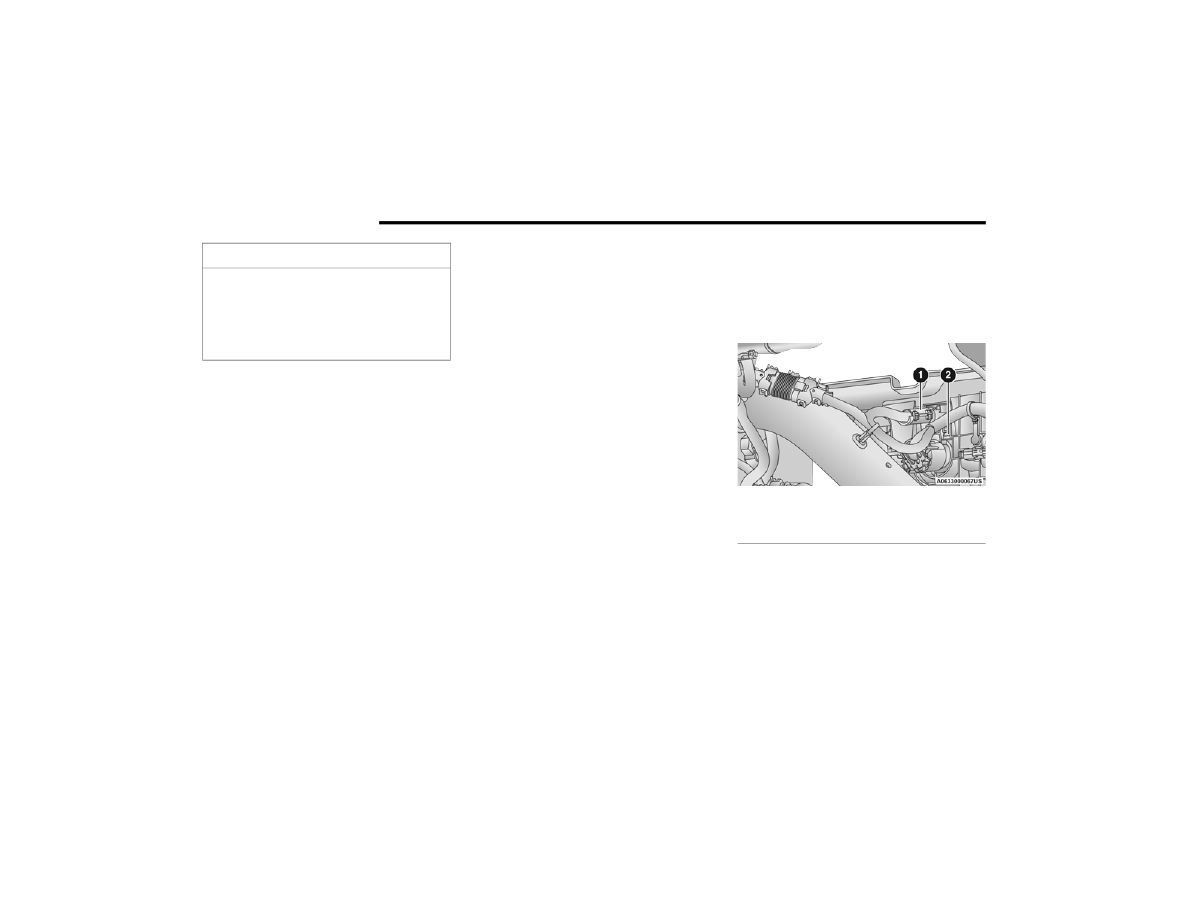
For Conventional trailers, the connection from the
rear fascia goes to the receptacle in the bumper.
Conventional Trailer Connection
For Gooseneck trailers, the connection from the
rear fascia goes to the rear chassis inline.
To avoid vehicle damage, the vehicle must be
driven slowly when using Surround View to be
able to stop in time when an obstacle is seen.
It is recommended that the driver look
frequently over his/her shoulder when using
Surround View.
CAUTION!
1 — Rear Fascia Connector
2 — Receptacle