Acura RL. Manual - part 637
DVD HANDLING AND CLEANING
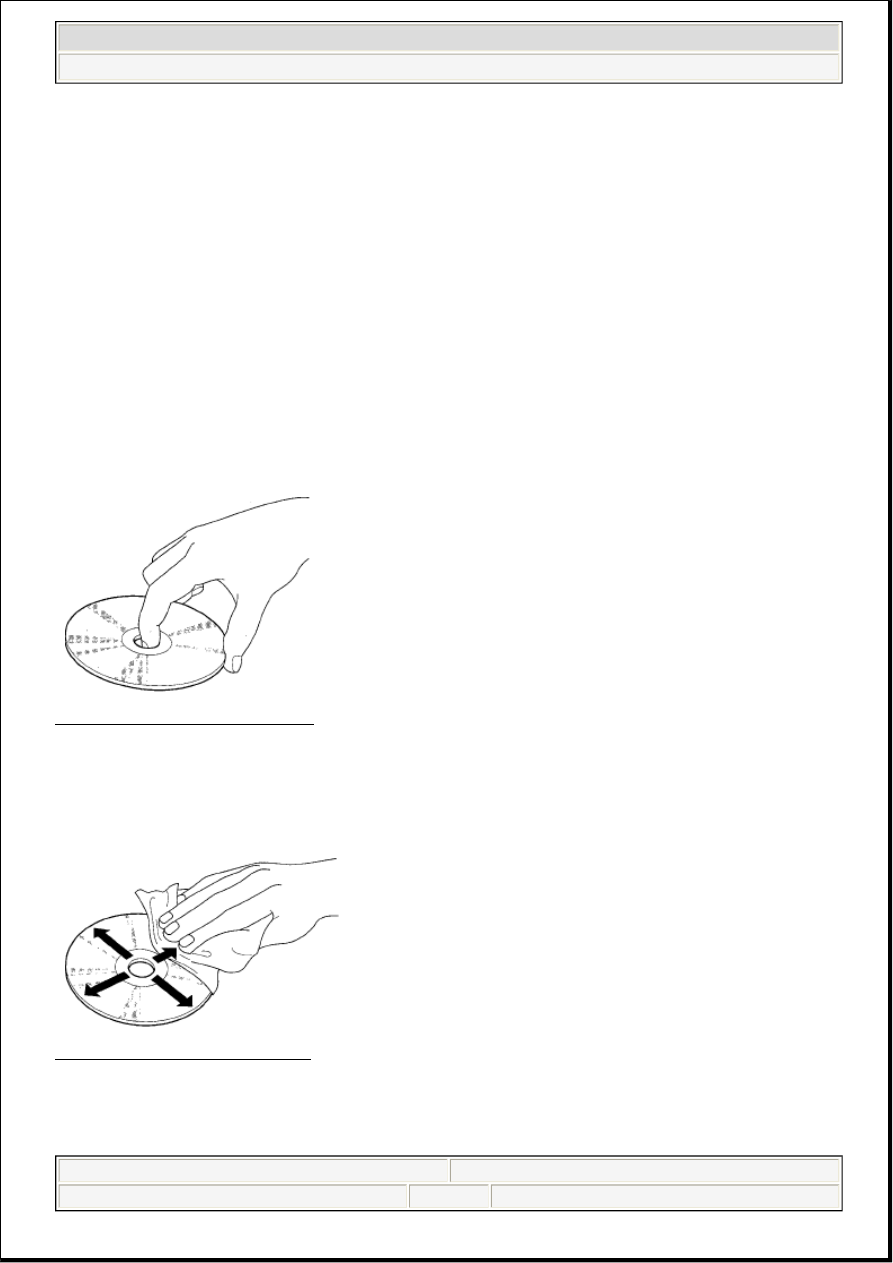
To avoid damaging or leaving fingerprints on the DVD, always handle it by the edges and place it in a jewel
case whenever it is outside the navigation unit. Deep scratches or fingerprints on the back of the DVD can
cause intermittent rebooting or other system errors.
Fig. 2: Identifying DVD Handling
Courtesy of AMERICAN HONDA MOTOR CO., INC.
Smudges and fingerprints can be carefully removed using a mild cleaner and tissues designed to clean
eyeglasses. To clean a DVD, use a clean soft cloth. Very gently wipe across the DVD from the center to the
outside edge, never in a circular motion.
Fig. 3: Identifying DVD Cleaning
Courtesy of AMERICAN HONDA MOTOR CO., INC.
Do not place stabilizer rings or labels on the DVD.
model year, each color DVD may under go a half a dozen "software
only" version up grades to fix minor issues on some or all models the
DVD supports. This is normal. Usually only the letter at the end of the
version number changes, while the database (maps and POIs) remain
unchanged.
Never promise your clients future free updates. There are no free
programs for updating the navigation DVD. Update DVDs are generally
available for purchase each fall. The on-line DVD order site provides
information when an update for a particular color DVD is available.
Damaged discs are not warrantable.
2007 Acura RL
2005-08 ACCESSORIES AND EQUIPMENT Navigation System - RL
me
Friday, June 05, 2009 3:28:14 PM
Page 7
© 2005 Mitchell Repair Information Company, LLC.